Lineform — A calm, local-first Markdown editor for macOS
A free, local-first Markdown editor for macOS.
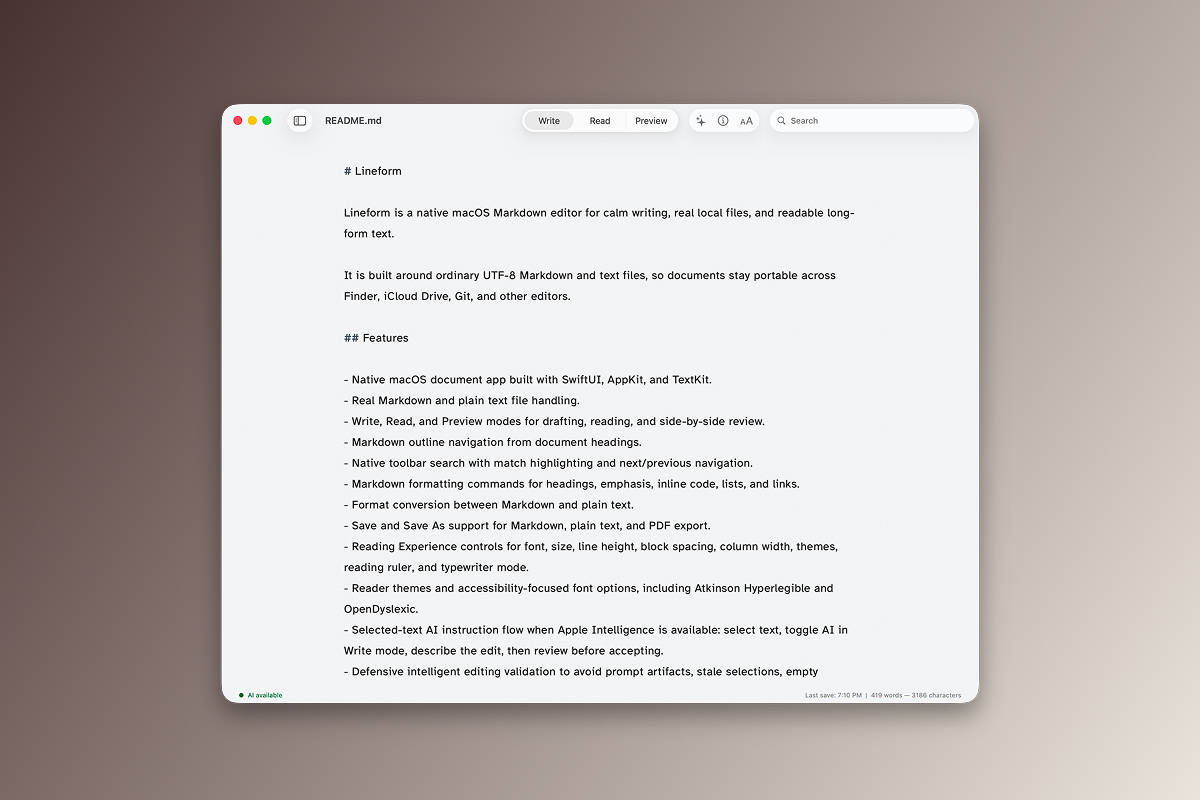
Lineform is a native Mac document app for calm writing, readable long-form text, and real local files. It opens ordinary .md, .markdown, and .txt files so documents stay portable across Finder, iCloud Drive, Git, and other editors.
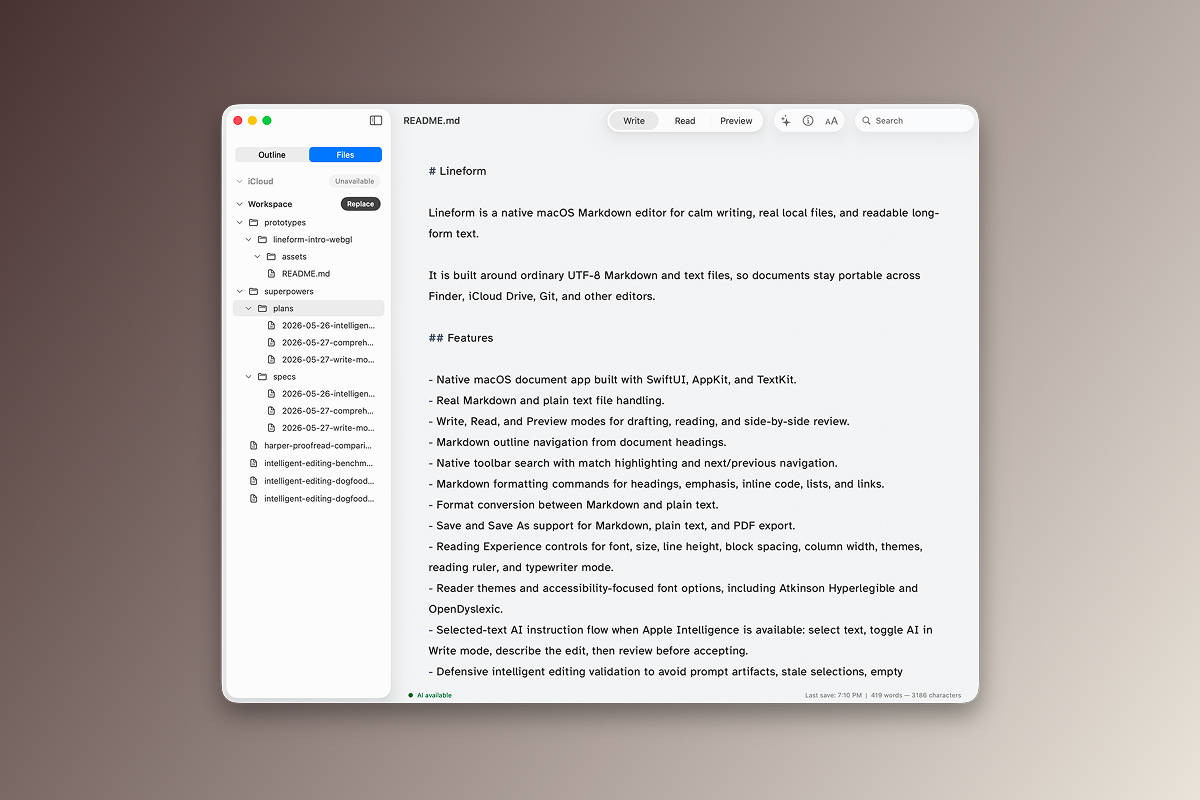
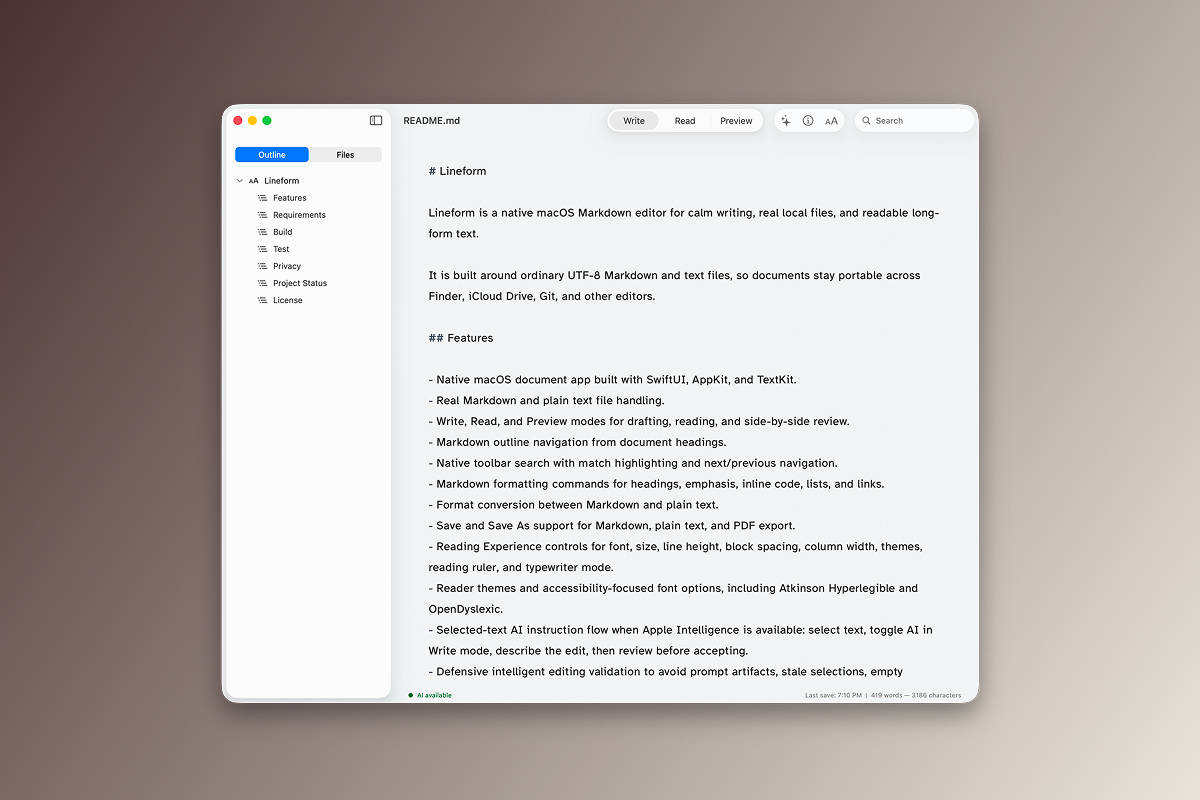
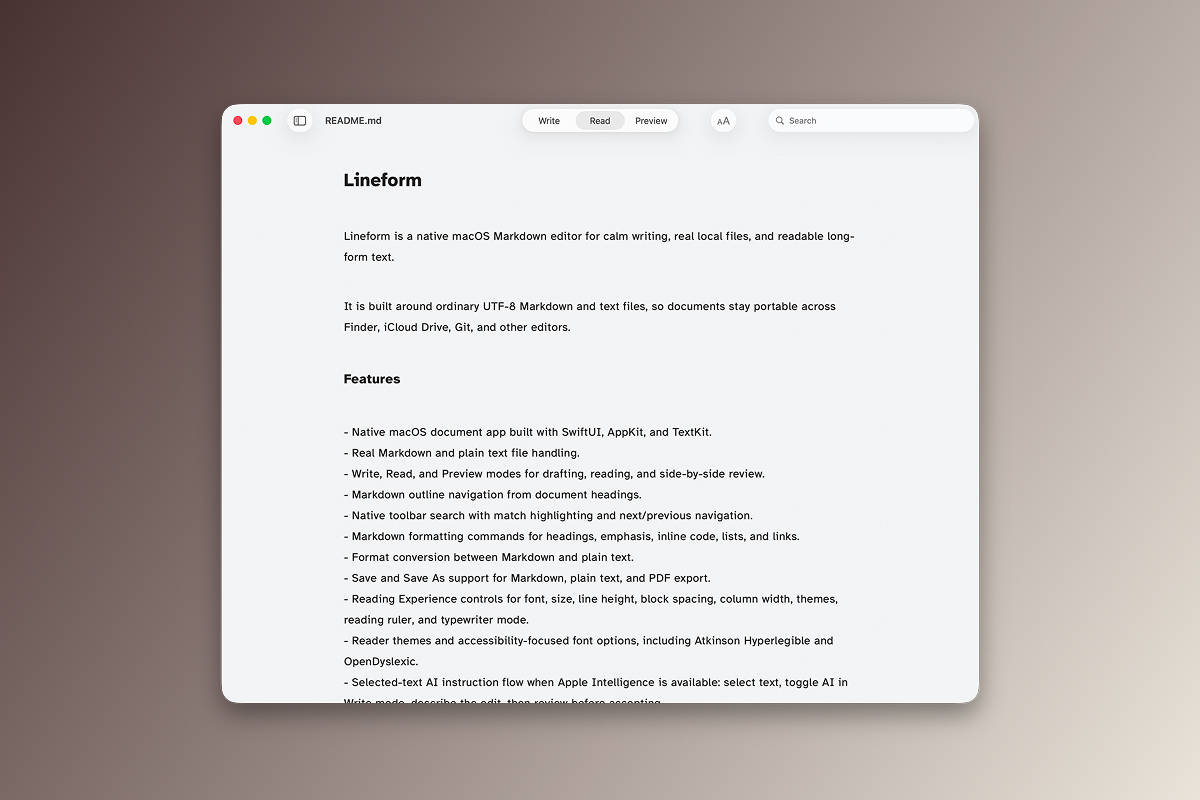
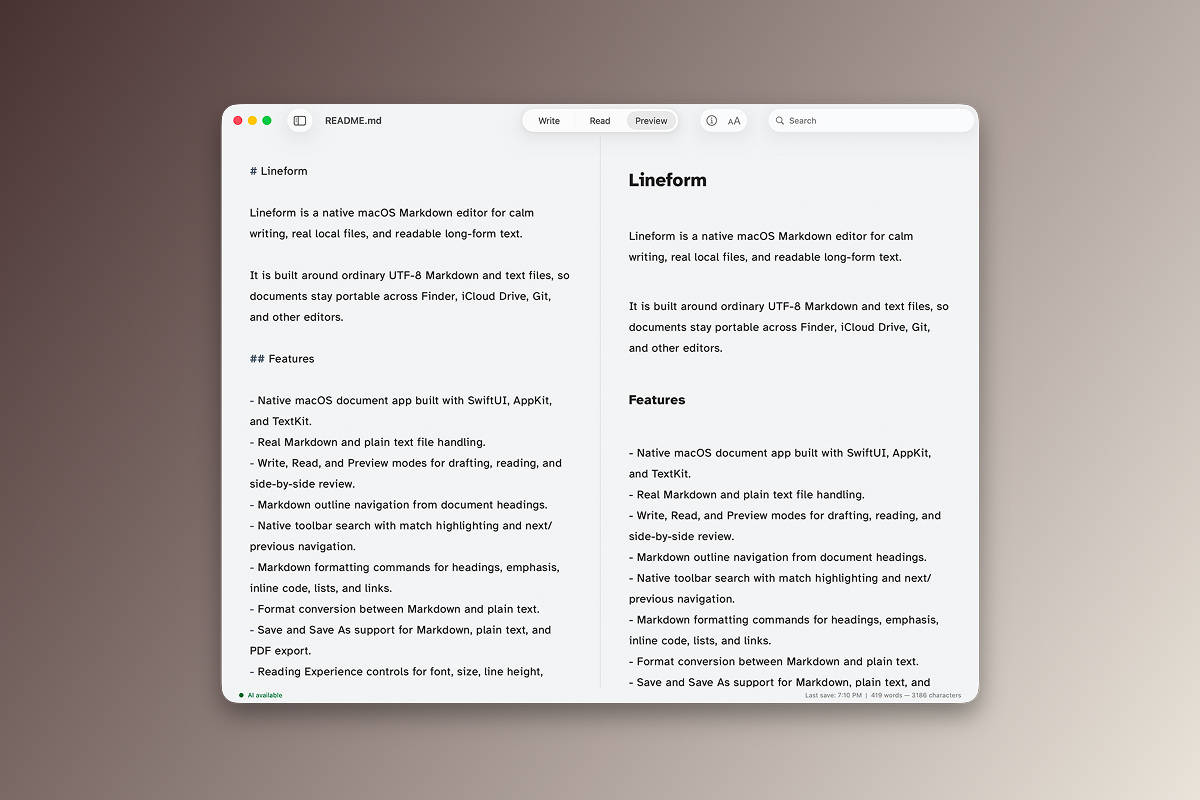
The app supports Write, Read, and Preview modes, split Markdown preview, document outline navigation, in-file search, PDF export, reading controls, and selected-text AI editing through Apple Intelligence when it is available.

My Role
I designed and built Lineform myself, owning the product direction, interface design, and native macOS development from the initial idea through release.
Why I Built It
I made Lineform in a little over a week because I was not happy with TextEdit and wanted a Markdown editor that felt fast, calm, and easy to use. The goal was a native Mac app that keeps files ordinary and local instead of turning writing into another synced product surface.
I also wanted a few AI-assisted text editing features, but nothing heavy. I did not want users to download models or configure another model stack, so Lineform leans on Apple Intelligence when it is available. The tradeoff is worth it for a fast, simple editor, and I am betting Apple improves those system capabilities over time.
What It Does
Lineform is a native macOS document app for Markdown and plain text. It opens .md, .markdown, and .txt files, switches between Write, Read, and Preview modes, previews Markdown beside the source in split view, and keeps documents portable across Finder, iCloud Drive, Git, and other editors.
- Navigate documents from their headings and search the current file with match navigation.
- Format headings, lists, links, emphasis, and inline code without leaving the editor.
- Save Markdown, save plain text, or export PDF.
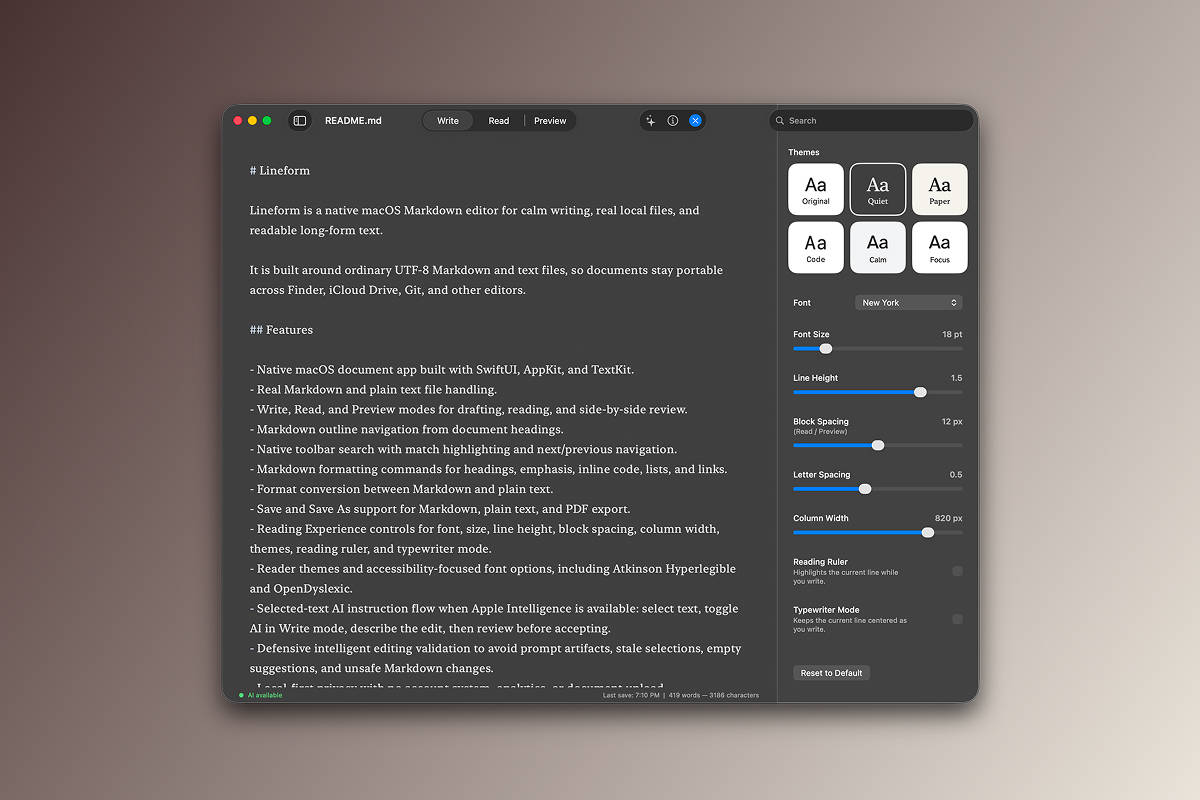
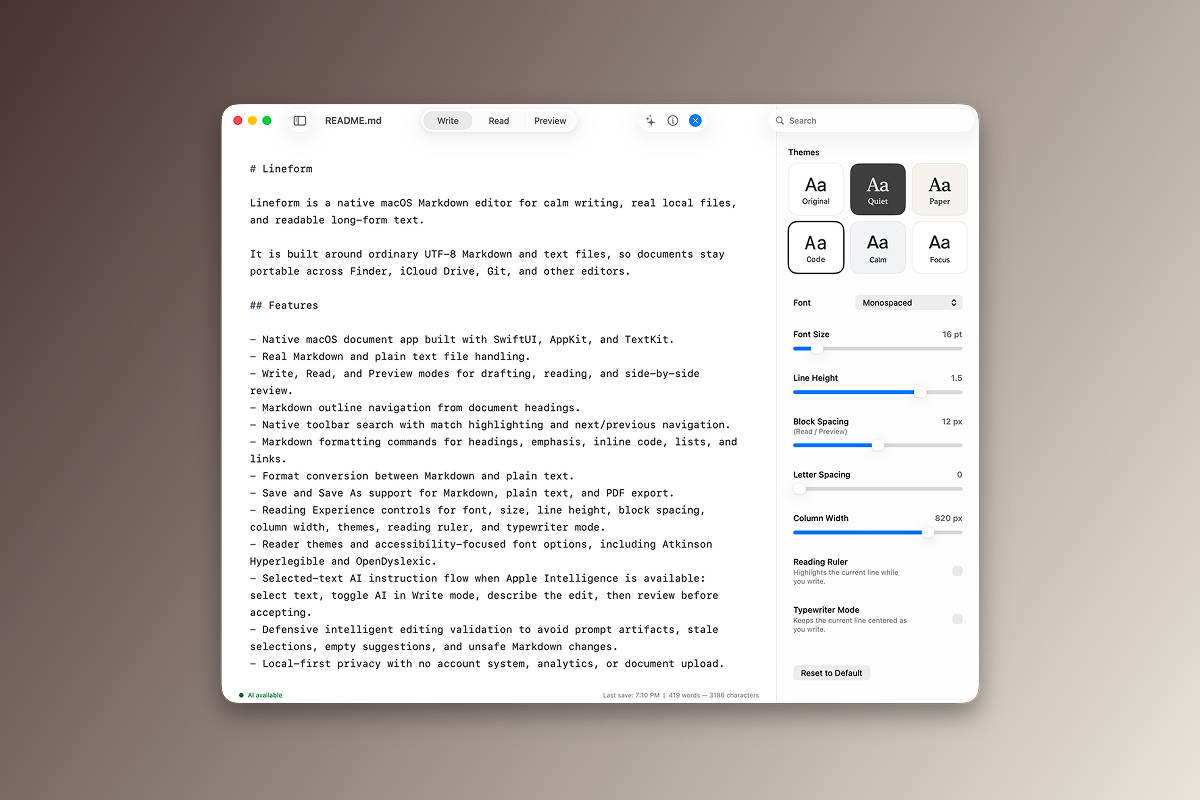
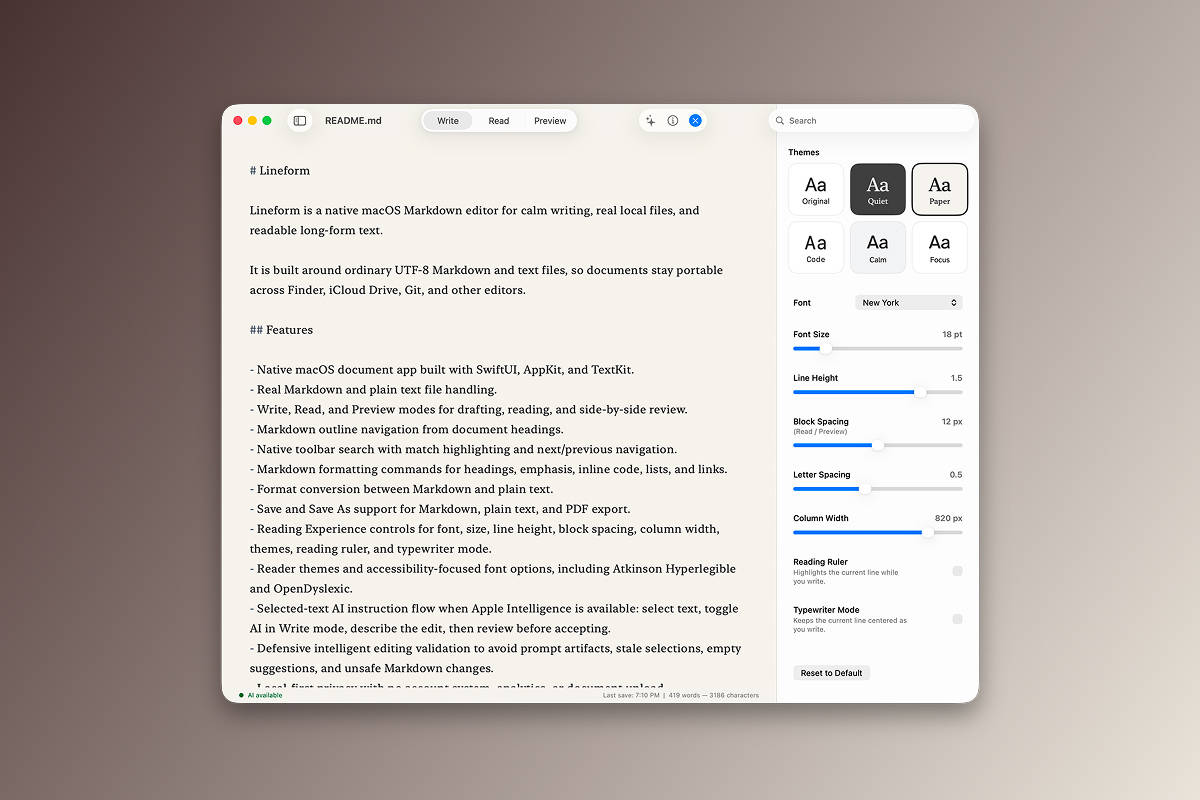
- Adjust reading font, size, line height, spacing, width, theme, reading ruler, and typewriter mode.
- Use selected-text AI editing through Apple Intelligence when available, then review suggestions before accepting.
Accessibility And Reading
While working on the app, I came across a Reddit thread from dyslexic readers talking about font issues and editor friction. That pushed me to add reader-focused controls that could be helpful to that community, including Comic Sans, OpenDyslexic, Atkinson Hyperlegible, and custom reading adjustments that augment the themes.
For themes, I piggybacked on the familiar approach Apple uses in Books. It is a clean mental model: simple reading environments, readable defaults, and enough control to make long-form text easier to stay with.
Local-First
Lineform has no account system, no document upload, and no analytics collection by default. Documents stay wherever users save them, and files remain ordinary Markdown or text files.
Version 1.0 is the first public release. It is source-available and built as a native macOS app with SwiftUI, AppKit, and TextKit. Release builds use Sparkle for update checking, and the app is built for Apple Silicon Macs running macOS 15.0 or later.
 Hey, ask away.